
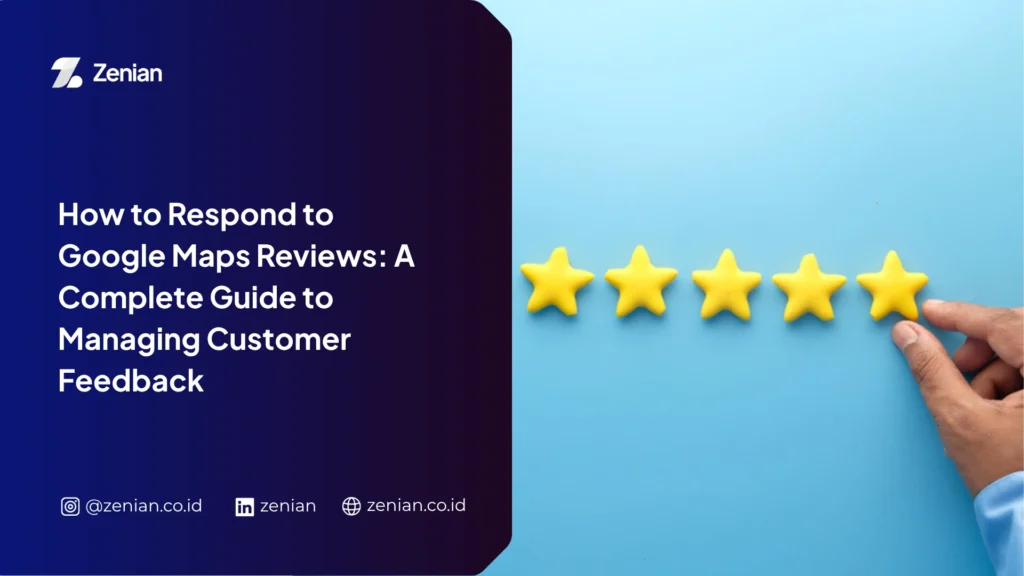
Understanding how to respond to Google Maps reviews helps you maintain customer trust and strengthen your business reputation. Many business owners still view reviews as simple comments, even though every response can influence the decisions of potential customers.
By responding to positive reviews, you can build stronger customer relationships, enhance your credibility, and support your Local SEO performance. This guide explains how to professionally respond to both positive and negative reviews.
The Importance of Google Maps Reviews
Every review provides valuable insights for both potential customers and business owners. Consistently managing and responding to reviews can positively impact your business’s long-term growth.
1. Builds Trust with Potential Customers
Reviews serve as social proof, influencing potential customers before they decide to purchase a product or use a service.
Today, most people no longer rely solely on advertisements or promotions. Instead, they read other customers’ experiences to evaluate the quality of a business.
In fact, many consumers read around 10 reviews before deciding to trust a local business. When you actively respond to reviews, prospective customers see that your business is professionally managed and genuinely cares about customer satisfaction.
2. Helps Your Business Rank Higher in Google Search
Reviews are one of the key ranking factors in Google’s local search results and Local Pack.
Google is more likely to display businesses that have:
- High star ratings
- A large number of reviews
- Active customer engagement
Responding to reviews also signals that your business is active and attentive to customer experiences. These signals help Google recognize that your business profile is regularly maintained, increasing your chances of appearing in local search results.
3. Provides Valuable Feedback to Improve Your Service
Customer reviews offer an opportunity to evaluate your service quality from the customer’s perspective.
Positive reviews highlight your strengths, while negative reviews reveal areas that require improvement.
By analyzing recurring feedback, you can:
- Identify the root causes of customer issues.
- Evaluate service quality and operational processes.
- Develop improvement strategies based on customer needs.
- Continuously enhance the customer experience.
Responding to every review also demonstrates that your business values customer feedback and is committed to continuous improvement.
4. Supports Local SEO and Online Reputation
Reviews play an essential role in any Local SEO strategy.
The better you manage customer reviews, the greater your opportunity to improve your visibility in Google search results.
Several review-related factors contribute to Local SEO:
Review Volume and Ratings
Businesses that consistently respond to reviews often receive more customer feedback and improve their overall star ratings over time.
Natural Keyword Usage
Naturally mentioning your business name, location, or services in your review responses helps Google better understand your business and improve local search relevance.
Reputation Management
Polite, professional, and solution-oriented responses create a positive impression for potential customers even when addressing negative reviews.
Also Read: How to Review on Google Maps: A Guide to Writing, Deleting, and Responding to Reviews
How to Respond to Google Maps Reviews
Besides strengthening customer relationships, consistently responding to reviews supports your digital marketing efforts by signaling to Google that your business is actively managed.
1. Why Should Business Owners Respond to Reviews?
Responding to reviews provides benefits far beyond simply replying to customer comments.
Here are several important reasons to respond consistently:
- Most customers read reviews before purchasing products or services. Friendly responses demonstrate that every customer opinion is valued.
- Google considers customer interactions as evidence that a business remains active. Review responses can improve your chances of appearing in local search results and the Local Pack.
- Customers are more likely to leave reviews when they know business owners actually read and respond to them.
- Thoughtful responses can clarify misunderstandings, provide additional information, and demonstrate your commitment to excellent customer service.
2. How to Respond Through Google Business Profile
Google allows business owners to respond directly through Google Business Profile.
Before you begin, ensure your account has administrator access.
Follow these steps:
- Sign in to your Google Business Profile account at business.google.com.
- Select Reviews from the navigation menu.
- Locate the review you want to respond to and click Reply.
- Write a polite, clear, and relevant response.
- Click Post Reply to publish your response.
If you encounter a fake review or one that violates Google’s policies, click the three-dot menu and select Report Review so Google can investigate it.
3. How to Respond to Positive Reviews
Your responses should feel personal and genuinely appreciative.
Best practices include:
Address Customers by Name
Greeting customers by name makes your response feel more personal and shows genuine appreciation.
Mention the Product or Service They Used
Referring to the specific product or service they enjoyed naturally highlights your business strengths for future customers.
Provide Helpful Additional Information
If you have related products or new services that match the customer’s experience, briefly mention them without appearing overly promotional.
Reinforce Your Company Values
Use your response to emphasize your commitment to qualities such as:
- Fast service
- Friendly customer support
- Transparency
- High-quality products and services
4. How to Respond to Negative Reviews Professionally
Professional responses can reduce the impact of negative reviews while demonstrating accountability.
Follow these guidelines:
Stay Calm and Professional
Use polite language and avoid emotional, defensive, or confrontational responses.
Apologize for the Customer’s Experience
Acknowledge the customer’s disappointment without immediately admitting fault if the issue still requires investigation.
Move the Conversation to a Private Channel
Provide your customer service email address or phone number so the issue can be resolved privately and more efficiently.
Explain Your Solution
Describe the actions you are taking to resolve the issue so customers know your business is committed to finding a solution.
5. Mistakes to Avoid When Responding to Reviews
Although responding to reviews seems straightforward, poor responses can damage your business reputation.
Avoid these common mistakes:
Using the Same Response for Every Review
Copy-and-paste replies make customers feel undervalued and reduce authenticity.
Ignoring Customer Reviews
Failing to respond—especially to negative reviews—can create the impression that your business doesn’t care about customer satisfaction.
Responding Too Slowly
Prompt responses demonstrate that your business is active and values customer feedback.
Publishing Responses with Grammar or Typographical Errors
Spelling mistakes, poor grammar, or confusing wording can reduce your business’s credibility.
Revealing Customer Information
Never disclose personal customer information or attack reviewers personally, as doing so may damage your reputation and reduce public trust.
Tips for Getting More Positive Reviews
Positive reviews don’t happen automatically. You need to create excellent customer experiences while making it easy for customers to leave feedback.
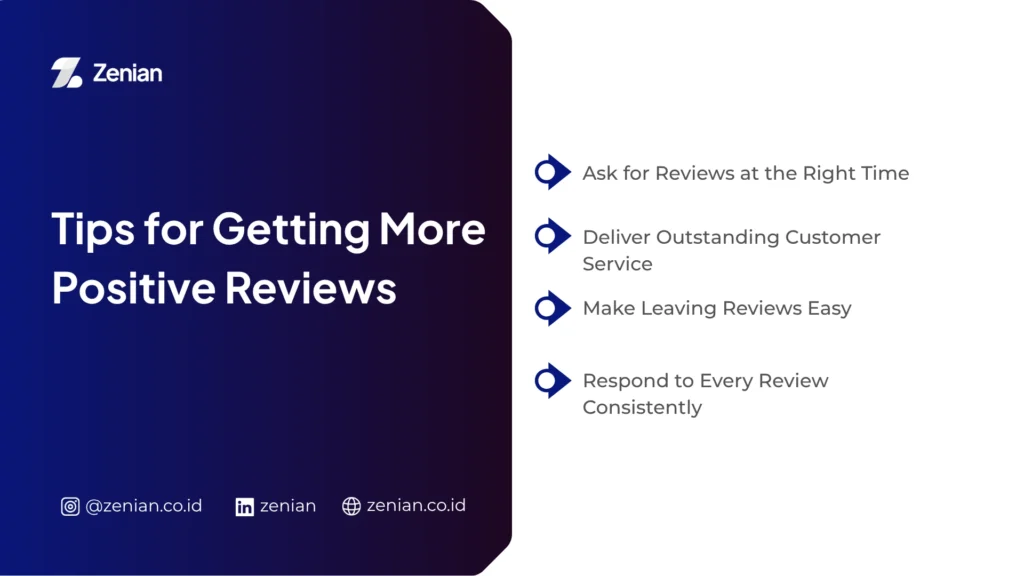
1. Ask for Reviews at the Right Time
Invite customers to leave a review immediately after completing their purchase or using your service.
At that moment, their experience is still fresh, increasing the likelihood of receiving positive feedback.
To simplify the process, send a direct review link through:
- SMS
- Messaging apps
- Social media
You can also include review requests on thank-you cards, purchase receipts, or post-purchase follow-up messages.
2. Deliver Outstanding Customer Service
Exceptional customer service is the foundation of five-star reviews.
Ensure every customer receives friendly, fast, and professional service from the first interaction until the transaction is complete.
Encourage your customer service team to respond quickly whenever customers experience problems.
Whenever possible, provide “wow service” by exceeding customer expectations so they naturally want to share their positive experiences.
3. Make Leaving Reviews Easy
The simpler the review process is, the more likely customers are to complete it.
Consider these methods:
- Display QR codes at checkout counters, product displays, or on product packaging.
- Install NFC tags at your business location so customers only need to tap their phones.
- Share your Google review link generated through Google Business Profile.
- Include review links in follow-up emails or post-purchase messages.
These methods allow customers to leave reviews in just a few seconds.
4. Respond to Every Review Consistently
Set aside time to respond to every review, whether positive or negative.
Prompt responses demonstrate that your business values customer feedback.
Besides strengthening relationships with existing customers, consistent engagement also builds trust with prospective customers who read your reviews.
They’ll see that your business is active, attentive, and committed to delivering high-quality service.
Common Mistakes When Managing Google Maps Reviews
Managing reviews isn’t just about collecting more feedback—it also involves avoiding mistakes that can damage your business reputation.
1. Ignoring Customer Reviews
Never leave customer reviews unanswered, especially those containing complaints or criticism.
Ignoring reviews creates the impression that your business doesn’t care about customer experiences.
It also causes you to miss opportunities to:
- Correct misinformation.
- Explain the actions you’ve taken.
- Demonstrate your commitment to improving service quality.
2. Buying or Creating Fake Reviews
Avoid purchasing reviews or asking people who have never used your products or services to leave positive feedback.
These practices violate Google’s policies and may seriously damage your business credibility.
If you receive fake reviews that harm your business, avoid arguing publicly.
Instead, report the review through Google’s reporting feature for further investigation.
3. Responding Emotionally
When receiving criticism, always remain professional.
Avoid angry, defensive, or sarcastic replies, as these responses can negatively influence other potential customers.
Instead:
- Apologize for the customer’s unpleasant experience.
- Briefly explain the situation.
- Offer a practical solution to resolve the issue.
4. Failing to Monitor Your Reputation Regularly
Don’t review customer feedback only occasionally.
Monitor your reviews consistently to identify customer trends and areas that require improvement.
Pay attention to:
- Rating trends
- Frequently mentioned complaints
- Performance across multiple business locations (if applicable)
Regular evaluations enable better decision-making and help prevent small issues from becoming larger problems.
Strengthen Your Google Maps Reputation with Zenian
Consistently managing Google Maps reviews helps increase customer trust, but building a strong online reputation requires a comprehensive strategy from optimizing your Google Business Profile to continuously monitoring its performance.
If you want to focus on growing your business professionally, PT Zenian Digital Lab is ready to help with personalized digital strategies, including SEO services, Google Ads, and Google Maps Optimization Services. Contact our team today and start building a stronger, more trusted online reputation.
Also Read: Local SEO Strategy: How to Increase Local Business Visibility