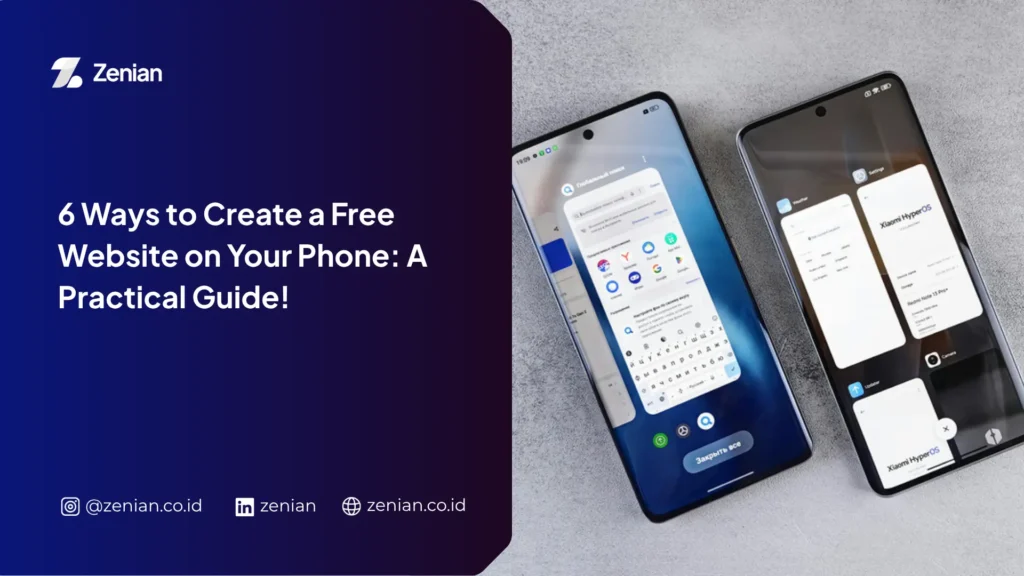


Creating a free website using your phone has become a practical solution for anyone looking to build a digital presence. You don’t even need a laptop to get started, as various modern platforms now provide incredibly user-friendly mobile features.
With just a stable internet connection, an email address, and a clear goal, you can easily build a website for your business, portfolio, or personal blog. This article will walk you through the steps beginners can follow to make the website creation process as smooth as possible.
What Is a Free Website?
Currently, various platforms provide services that allow you to create a website using just your smartphone. First, let’s understand how a free website works, the devices you can use, and who can benefit the most from these services.
A free website is a service that allows you to build and publish a site without paying hosting fees or software licensing costs. Providers usually offer a subdomain, such as yourbusiness.wordpress.com.
Despite being free, most platforms offer essential basic features to support security and user convenience. For example:
- SSL certificates to encrypt data and secure your site.
- Ready-to-use templates designed for various niches.
- Visual editors that simplify page creation without requiring you to write HTML code manually.
Who Is a Free Website Best Suited For?
Free website services can be utilized by anyone, especially users wanting to build a digital identity without a heavy initial investment. Some of the best-suited users for this service include:
- Beginners looking to learn how to build websites without buying hosting or domains.
- MSMEs (Micro, Small, and Medium Enterprises) and online sellers who need a digital storefront to showcase products to potential customers.
- Bloggers, students, and freelancers looking to display their portfolios or share information through personal blogs.
- Communities, organizations, or event committees needing a quick and easy way to share information.
6 Ways to Create a Free Website on Your Phone
Building a website on your phone can be done in just a few simple steps. Follow these stages to make the process easier and achieve a professional-looking result.
1. Choose a Free Website Platform
The first step is choosing the platform that best fits your needs. Each platform has different strengths, so it’s best to select one based on your website’s goals.
Some popular choices include:
- Wix: Perfect for users who want Artificial Intelligence (AI) to automatically generate a design.
- WordPress: The right choice for building blogs or websites that you plan to scale in the long run.
- Google Sites: Offers a simple, easy-to-use interface that is completely ad-free.
- Canva: Simplifies creating visually stunning landing pages without requiring professional design skills.
- Carrd: Ideal for building lightweight, simple, and fast-loading landing pages.
2. Create an Account and Log In
Once you’ve chosen your platform, create an account using an active email address. Most providers also allow you to sign up using your Google or social media accounts for a faster registration process.
If the platform has an official app, download it first via the Play Store or App Store. After that, log in to your account to start building your website.
3. Select a Suitable Template
Next, choose a template that matches the purpose of your website. Providers usually offer a wide variety of designs for online stores, portfolios, blogs, or company profiles.
If you are using an AI-based builder, the system will recommend designs based on your answers about your business type or website goals. This saves time since the initial layout is already tailored to your needs.
4. Set Your Website Name and Free Domain
Keep your website name short, easy to remember, and reflective of your business identity or personal brand. A clear name makes it easier for visitors to find your site again.
On free plans, the platform will assign a subdomain. While it’s not a custom domain, choose a professional-sounding name so your website still looks credible.
5. Add Pages and Content
Start building your website using the drag-and-drop visual editor. This feature lets you arrange pages without having to understand coding languages.
Key elements you should add include:
- About Us page to introduce yourself or your business.
- Contact page so visitors can easily get in touch.
- Product photos, portfolios, or documentation uploaded directly from your phone’s gallery.
- Product descriptions, articles, or other essential information that is easy to digest.
- Call-to-action (CTA) buttons linking to WhatsApp or social media to make contacting you seamless.
Tip: Ensure all content uses clear, easy-to-read language and is highly relevant to your audience’s needs.
6. Publish the Website
Before launching, preview your website. Ensure text sizes are legible, images display properly, and every menu is easily accessible on a mobile screen.
If everything looks good, hit Publish. In just a few moments, your website will go live and be accessible to anyone via your new URL. Once published, you can continue to update content, add new pages, and optimize its performance for better search engine visibility.
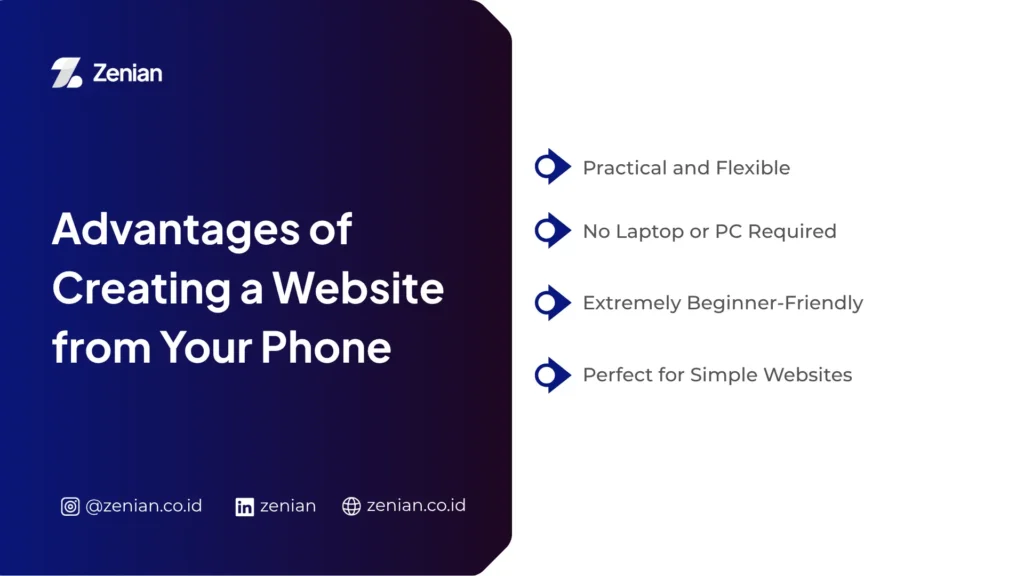
Advantages of Creating a Website from Your Phone
Building a website on your phone comes with plenty of conveniences. Most platforms offer straightforward interfaces that are quick and easy to learn. Here are some of the key benefits:
- Practical and Flexible: You can create and manage your website anytime, anywhere, as long as you have your phone and a stable internet connection. This flexibility lets you get things done on the go without needing a laptop. Plus, most platforms feature highly intuitive interfaces, making editing as effortless as scrolling through social media.
- No Laptop or PC Required: You no longer need a laptop or PC to build a web presence. Website builders have optimized their mobile versions to handle the creation, editing, and publishing process entirely on your phone. This opens the doors for anyone to build a blog, portfolio, or online store without spending extra money on computer hardware.
- Extremely Beginner-Friendly: Many platforms design their website-building process specifically for users with zero prior experience. All you need to do is pick a template, arrange the layout with drag-and-drop tools, and customize the text. Some even offer AI assistants (like Wix ADI) that generate layouts automatically based on a few quick questions—no coding required.
- Perfect for Simple Websites: Phones are perfect for building simple website structures. You can put together a landing page, portfolio, personal blog, or business profile in relatively no time. For new business owners, this is the quickest way to establish an online presence so potential customers can find your details easily.
Disadvantages of Creating a Website from Your Phone
Despite the convenience, building a website on your phone does come with some limitations. Smaller screens and fewer feature sets compared to desktop versions can affect your editing comfort.
- Limited Customization Options: While most mobile platforms provide adequate features for basic needs, design customization isn’t as extensive as on a desktop. You might struggle with fine-tuning element placements or implementing highly unique design layouts. Additionally, while AI automation speeds things up, it can sometimes limit your freedom to tweak details exactly how you want.
- Less Convenient for Managing Multiple Pages: Managing a multi-page website on a phone screen can quickly become tedious. You’ll find yourself constantly switching menus, opening settings, or searching for specific pages, which slows down workflow. As your site grows and accumulates content, using a computer is generally much more efficient.
- Harder to Handle Technical Settings: Advanced technical configurations are still much easier on a computer. For instance, accessing cPanel, moving files to a new server, performing specific configurations, or managing file directories directly can be a pain on mobile. Some extra features, like monetization settings or specific integrations, may also not be fully supported on mobile apps or free tiers.
- Lower Editing Performance Compared to Desktop: Even though mobile editing has gotten significantly smoother, the user experience still falls short of a desktop setup. Some platforms even force you to enable “Desktop Site” mode in your mobile browser to access all features, which often results in awkward navigation because elements become tiny and hard to tap.
Tips for Making Your Mobile-Built Website Look More Professional
Building a website on your phone doesn’t mean it has to look amateurish. You can still create a professional, user-friendly, and SEO-friendly site by applying these crucial steps:
1. Use Responsive Templates
Choose a responsive template so your website automatically adjusts to any screen size—whether viewed on a phone, tablet, or desktop. A responsive design ensures visitors can read your content comfortably without needing to zoom in or scroll sideways constantly. Many website builders already offer templates optimized specifically for mobile devices.
2. Keep Website Navigation Simple
Keep your navigation menu concise so visitors can find what they need in just a few clicks. Avoid overcrowding your menu, which can easily confuse mobile users. Include core pages like “About” and your service or product pages. A clear navigation structure not only improves user experience but also helps search engines understand your site map better.
3. Optimize Images for Speed
Use high-quality images to make your site look appealing, but ensure file sizes remain small to keep load times snappy. Website speed is a major factor in user experience. Compress your images before uploading and use modern formats to maintain visual quality without sacrificing performance.
4. Write SEO-Friendly Content
Create informative, relevant, and easy-to-understand content. Additionally, apply basic SEO techniques to give your pages a better shot at ranking on search engines:
- Use listicle formats (numbered lists or bullet points) to make articles highly scannable.
- Incorporate keywords naturally without keyword stuffing.
- Add images, videos, infographics, or supporting data to back up your information.
- Take advantage of built-in SEO tools provided by your website builder.
5. Update Website Content Regularly
Keep your website fresh by updating it regularly. Active content shows visitors your site is well-maintained, building trust and encouraging return visits. Frequent updates also signal search engines that your site is active, which helps boost your rankings over time. You can write new articles, update old info, or polish existing pages to match your audience’s current needs.
When Should You Switch to a Paid Website?
Free platforms are great for learning or establishing an early digital presence. However, as your needs grow, you may eventually need to upgrade to paid services to access advanced features and look more professional.
- When You Need a Custom Domain: Use a custom domain (like
yourbusiness.com) to build a stronger brand identity. Compared to free subdomains, a custom domain looks significantly more professional and is much easier for customers to remember. - When You Need to Boost Business Credibility: Upgrade to a paid service once your website becomes a core part of your business operations. A professional domain paired with a business email address (like
[email protected]) instantly builds trust with potential clients, proving that your business is run seriously. - If You Require E-Commerce Features: Opt for a paid plan if you want to sell products directly through your site. Paid plans typically unlock robust e-commerce features such as online payment integration, inventory management, shipping calculators, and flexible booking systems.
- When You Want to Maximize Website SEO: Free services often limit technical access, leaving less room for deep SEO optimization. If organic search traffic is your main goal, a paid service offers far greater flexibility, allowing you to:
- Access technical settings via cPanel or server configurations.
- Perform thorough technical SEO audits.
- Optimize your website to compete effectively in search engines and AI-driven platforms.
- Tailor optimization strategies to align with your business goals and target audience.
Build a Professional Website with Zenian
While free services are perfect for starting out, you will eventually want to upgrade to unlock custom domains, advanced features, and seamless SEO optimization.
PT Zenian Digital Lab is ready to help you with web development, SEO, and custom digital marketing strategies tailored to your business needs. Let’s build an engaging website that drives sustainable growth for your business!
Also Read: 7 Ways to Create a Business Website: A Complete Guide for Beginners