

In today’s digital era, many customers discover businesses through searches on Google Maps. When someone searches for a restaurant, repair service, or a specific service nearby, Google Maps often becomes the first source of information before they decide to visit or contact the business.
However, many business owners feel confused because their business does not appear on Google Maps, even though they have already created a business profile. This situation is certainly disadvantageous because potential customers searching for those services end up finding competitors instead.
Understanding why a business does not appear on Google Maps is very important for business owners who want to improve their digital visibility. This article will discuss various common causes and how to solve them so your business can be more easily discovered by potential customers.
Why Doesn’t a Business Appear on Google Maps?
Before discussing how to fix it, it is important to first understand the factors that cause a business not to appear in Google Maps search results. Google uses various parameters to determine whether a business deserves to be displayed or not.
From verification status and the completeness of business information to activity on the Google Business Profile, all of these can influence a business’s visibility on Maps. If one of these factors is not fulfilled, it is very likely that your business will be difficult to appear in local searches.
Here are several common causes that often occur.
1. Google Business Profile Has Not Been Verified
One of the most common reasons a business does not appear on Google Maps is because the Google Business Profile has not been verified. Verification is a process used by Google to ensure that the business truly exists and is managed by a legitimate owner.
Usually, the verification process is done through a code sent by Google via mail, email, phone, or video verification. If this process has not been completed, Google will not display the business publicly on Maps.
Therefore, after creating a business profile, make sure you complete the verification process until its status becomes active. Without verification, your business profile is essentially still considered unofficial by Google.
2. Business Information Is Incomplete
Google highly prioritizes business profiles that have complete and clear information. If a business profile only contains the business name without other details such as address, phone number, category, or operating hours, the chances of appearing on Google Maps become much smaller.
Complete information helps Google understand the type of business being run and determine its relevance to user searches. It also helps potential customers determine whether your business matches their needs.
Therefore, it is important to complete all key information such as address, phone number, website, business description, and operating hours so the business profile appears more credible to Google.
3. Google Maps Pin Location Is Inaccurate
Incorrect placement of the location pin can also cause a business not to appear on Google Maps. If the location point does not match the actual address, Google may have difficulty identifying the business location accurately.
This issue often occurs when business owners manually enter an address without ensuring the pin position is placed correctly. As a result, Google may not display the business in relevant local searches.
To fix this, make sure the pin position accurately points to the actual business location. Accurate location data helps Google show your business to users who are nearby.
4. The Business Was Recently Created
If the business profile has just been created, Google likely still needs time to process and display the business in Maps search results. This process is often referred to as indexing.
Typically, Google may take anywhere from several days to several weeks to review and display a new business profile. During this period, the profile may not yet appear when searched on Maps.
Therefore, business owners need to be patient while ensuring that all profile information is complete and verified so the review process can proceed faster.
5. Incorrect Business Category
Business categories are one of the important factors in the Google Maps search algorithm. If the selected category does not match the services offered, Google will have difficulty determining the relevance of the business to user searches.
For example, if a business is actually a digital marketing service but the category is set as a general IT company, it will most likely not appear when someone searches for digital marketing services.
Choosing the primary category that is most relevant to your business services is essential so Google can display your business in the appropriate searches.
6. Business Address Is Unclear or Virtual
Google has fairly strict policies regarding business addresses displayed on Google Maps. If the business address is unclear or uses a virtual office address that does not comply with Google’s policies, the business profile may not be displayed.
This policy exists to prevent misuse of Google Maps by businesses that do not have a clear physical location. Google wants to ensure that users can actually find the business location.
If your business uses a shared office or virtual office address, make sure it still complies with Google Business Profile policies.
7. Google Business Profile Has Been Suspended
One serious reason a business may not appear on Google Maps is because the business profile has been suspended by Google. Suspension usually occurs when Google detects violations of Google Business Profile policies, whether intentional or not.
Some common causes of suspension include using an invalid address, inserting excessive keywords into the business name, or creating multiple business profiles with the same address without a clear reason. When a profile is suspended, the business will immediately disappear from Google Maps and local search results.
If this happens, the business owner must go through a recovery process by correcting information that violates the policies and submitting a reinstatement request through Google Business Profile.
8. Very Few Customer Reviews
Customer reviews have a major influence on business visibility in Google Maps. Google uses reviews as one indicator of a business’s popularity and credibility in a particular area.
Businesses with many positive reviews usually have a greater chance of appearing in local search results. Conversely, business profiles without reviews are often considered less active or less trusted by users.
Therefore, business owners should actively encourage customers to leave reviews after using their services. Authentic reviews not only help improve rankings but also strengthen business reputation.
9. Competitors Are Better Optimized for Local SEO
Google Maps uses several main factors to determine business rankings: relevance, distance, and prominence. If competitors have better-optimized business profiles, they are more likely to appear first in search results.
For example, competitors may have more reviews, more complete profile information, or more consistent activity on their Google Business Profile. These signals indicate to Google that the business is more relevant to users.
Therefore, Local SEO optimization is very important for businesses that want to compete on Google Maps. Without the right strategy, it will be difficult to compete with competitors who have already optimized their profiles.
10. Business Profile Is Rarely Updated
Business profiles that are rarely updated tend to be considered less active by Google. In fact, activity on Google Business Profile is one indicator that a business is still operating and relevant to users.
Profile updates can be done in various ways, such as adding recent photos, updating operating hours, posting promotions, or responding to customer reviews. These activities help Google see that the business is actively serving customers.
By keeping the profile active, the chances of your business appearing in Google Maps search results will also increase.
How to Make a Business Appear on Google Maps
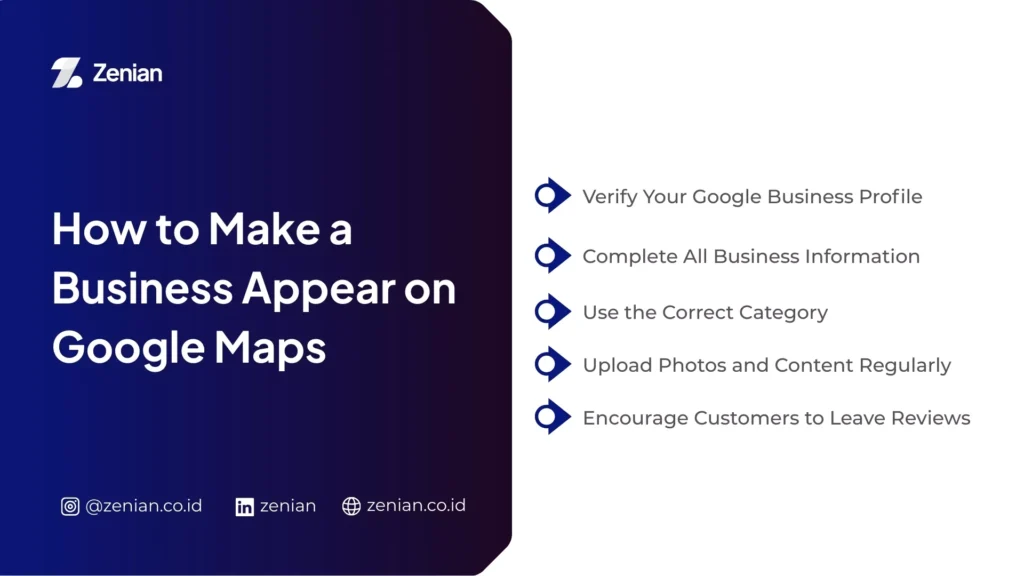
After understanding the reasons why a business does not appear on Google Maps, the next step is to know how to fix it. Several simple optimization steps can significantly improve business visibility.
Here are some methods business owners can implement.
1. Verify Your Google Business Profile
The first step is to ensure that your business profile has been verified. Without verification, Google will not display the business publicly on Google Maps.
Verification is usually done by receiving a code from Google through methods such as postcards, phone calls, email, or video verification. Once this process is completed, the business profile will be considered official by Google.
Make sure all information is accurate before verifying to avoid problems during the review process.
2. Complete All Business Information
A complete business profile has a higher chance of appearing in search results. Important information such as business name, address, phone number, website, category, and operating hours should be clearly filled out.
Google also recommends that business owners add a business description as well as photos of the location and products to increase profile credibility.
The more complete the information provided, the easier it is for Google to understand your business and display it in relevant searches.
3. Use the Correct Category
Business categories help Google determine the type of services offered by a business. Selecting the correct category makes it easier for Google to display your business to users searching for those services.
For example, a business operating in digital marketing should select a relevant category such as Digital Marketing Agency or Marketing Agency.
The right category increases the relevance of the business in local search results.
4. Upload Photos and Content Regularly
Google prefers business profiles that are active and regularly updated. Adding photos of locations, products, or business activities can improve credibility while giving potential customers a clearer picture of the business.
In addition to photos, business owners can also use the posting feature on Google Business Profile to share promotions, updates, or articles related to their services.
These activities help make the business profile appear more active and increase the chances of appearing in search results.
5. Encourage Customers to Leave Reviews
Customer reviews are one of the key factors in the Google Maps algorithm. Businesses with many positive reviews usually have a higher chance of appearing in local search results.
Business owners can ask customers to leave reviews after transactions are completed. This approach is quite effective for increasing review volume naturally.
However, it is important to ensure that the reviews come from real customer experiences.
Optimization Tips to Appear at the Top of Google Maps
In addition to making sure your business appears on Google Maps, many business owners also want their businesses to appear at the top of search results. Achieving this requires a deeper optimization strategy.
1. Optimize the Google Business Profile
An optimized business profile usually includes complete information, clear descriptions, high-quality photos, and active customer reviews. All these elements help improve business relevance and credibility in Google’s eyes.
Business owners also need to regularly update their profiles so Google sees the business as active.
Consistent profile optimization increases the chances of appearing in top Google Maps search results.
2. Optimize Website and Local SEO
Websites also play an important role in supporting Google Maps visibility. A website optimized with Local SEO strategies can strengthen the location signals of a business in search engines.
Website content relevant to business services and service areas also helps increase the chances of appearing in local searches.
For this reason, Google Maps optimization often works alongside website SEO strategies.
3. Maintain NAP Consistency (Name, Address, Phone)
NAP stands for Name, Address, and Phone Number, which are the core details that identify a business.
Google pays close attention to the consistency of this information across various online platforms such as websites, business directories, and social media.
If there are inconsistencies in the data across platforms, Google may have difficulty verifying the business, which can affect ranking in Google Maps.
4. Build Reviews and Online Reputation
Online reputation is an important factor in the Google Maps algorithm. The more positive reviews a business receives, the higher the level of trust Google assigns to it.
In addition to collecting reviews, it is also important to respond to customer feedback professionally. This shows that your business actively interacts with customers.
A strong online reputation increases the likelihood of appearing at the top of search results.
Need Help Optimizing Google Maps for Your Business?
Understanding why a business does not appear on Google Maps is the first step toward improving visibility in local search results. However, in practice, Google Maps optimization often requires a more structured and consistent strategy.
From optimizing a Google Business Profile and managing customer reviews to integrating Local SEO strategies with your website, all must be done correctly so your business can compete with competitors.
If you want to maximize your business visibility on Google Maps, PT Zenian Digital Lab is ready to help as your digital business partner.
With a data-driven approach and measurable SEO strategies, Zenian helps businesses become more easily discovered by potential customers on Google Maps and search engines.
Read More : What Is Local SEO? Definition, Functions, and Optimization Strategies