

Understanding how to use Google Colab is an important step for those who want to learn coding, especially Python, without needing to install additional software. This platform is very popular because it is practical, free, and can be accessed directly through a browser.
By understanding how it works and its features, you can maximize productivity in data analysis, machine learning, and even simple project development.
What is Google Colab?
Google Colab is a cloud-based platform from Google that allows users to write and run Python code online. This service is part of the Google Research ecosystem, designed to simplify coding without the need for manual environment setup.
Because it is cloud-based, you do not need to install software or worry about device specifications. All computing processes are carried out online.
In simple terms, Google Colab is a web-based interactive notebook similar to Jupyter Notebook. This platform allows users to:
- Write Python code
- Run scripts in real-time
- Add text, images, and data visualizations
- Collaborate with teams online
Google Colab is also directly integrated with Google Drive, so files can be saved and accessed anytime.
Functions of Google Colab
Google Colab has various functions that are very helpful in technology and data-related fields, including:
1. Learning Medium for Coding
This platform is suitable for beginners who want to learn Python without setting up an environment.
2. Data Analysis
Used to process and visualize data using libraries such as Pandas and Matplotlib.
3. Machine Learning and AI
Google Colab supports free GPU and TPU usage, making it suitable for training machine learning models.
4. Team Collaboration
You can share files and work with a team in real-time, similar to Google Docs.
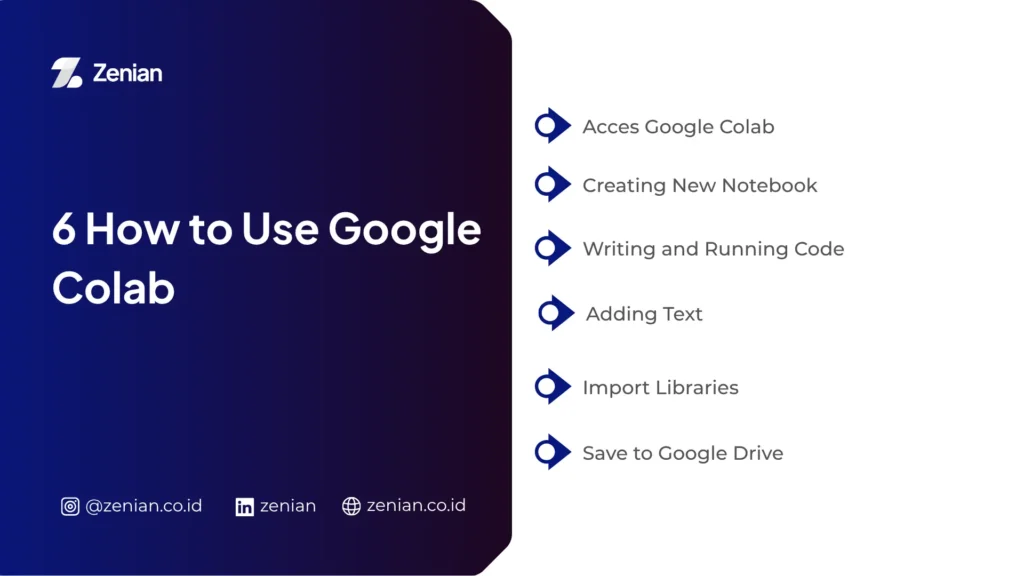
6 Ways to Use Google Colab
Here are the steps to use Google Colab easily:
1. Access Google Colab
Open your browser and visit the Google Colab page, then log in using your Google account.
2. Create a New Notebook
Click the “New Notebook” menu to start creating a new file.
3. Write and Run Code
Type Python code in a cell, then press the Run button or use the shortcut Shift + Enter.
4. Add Text
You can add explanations using Markdown format by changing the cell type to Text.
5. Import Libraries
Use Python libraries such as:
import pandas as pd
import numpy as np
6. Save to Google Drive
Files will be automatically saved to your Google Drive, so you do not need to save manually.
Tips for Using Google Colab for Beginners
To maximize usage, here are some tips you can apply:
- Use GPU for heavy processes (Runtime → Change runtime type)
- Save files regularly to avoid losing data
- Use keyboard shortcuts for efficiency
- Use datasets from Google Drive or upload them directly
- Learn basic Python libraries such as Pandas, NumPy, and Matplotlib
Advantages of Google Colab
Google Colab has several advantages compared to other tools:
- Free of charge
- No installation required
- Supports GPU/TPU
- Integrated with Google Drive
- Easy for beginners to use
Disadvantages of Google Colab
Although practical, this platform also has some limitations:
- Depends on internet connection
- Runtime may disconnect automatically
- Not suitable for long-term large-scale projects
- GPU usage limitations
Using Google Colab is very easy, even for beginners. With its complete features and free access, this platform is an ideal solution for learning coding, data analysis, and machine learning development.
If you want to start learning Python without the hassle of installation, Google Colab is the best choice.