

Understanding how to fix a 404 Not Found error is essential to keep your website optimal and user-friendly. You may have encountered this error page before, which disrupts the browsing experience, especially when the system fails to find the requested content.
This issue often occurs due to changes in URL structure, deleted pages, or server configuration errors. You need to understand its meaning and causes so you can take the right action.
This article will explain how this error occurs and provide effective solutions that you can implement easily and quickly. Read the full explanation below!
What Does 404 Page Not Found Mean? (Complete Definition)
A 404 Not Found error is an HTTP (Hypertext Transfer Protocol) status code indicating that the website server successfully received the request but could not find the requested page or resource.
This error can occur for various reasons, either due to technical issues or user mistakes. In the HTTP system, each error code has a meaning based on its first digit:
- Client-side error (4xx): A 404 error falls into this category, meaning the issue originates from the user’s request, such as an incorrect URL or a page that no longer exists.
- Server-side error (5xx): Unlike 404, errors such as 502 Bad Gateway indicate that the server is experiencing issues processing the request.
Additionally, a 404 error only occurs on specific pages, not the entire website. Meanwhile, issues like DNS failures can make the whole site inaccessible.
From a website management perspective, too many 404 errors can negatively impact SEO. Search engines like Google may struggle to index pages, which can lower your website’s ranking in search results.
5 Most Common Causes of 404 Page Not Found
The 404 Not Found message indicates that the server is reachable, but the requested page is unavailable. Here are the most common causes:
1. Incorrect URL or Typo
Typing errors in the URL are the most frequent cause of this error. Users often mistype a letter, punctuation, or file extension such as .html or .htm in the address bar.
Even small mistakes can prevent the server from locating the page.
2. Page Deleted or Moved
If a page has been deleted or moved without a proper redirect, it will result in a 404 error.
The server has no information about the new location, so it cannot process the request correctly.
3. Invalid URL Structure
An incorrect or broken URL structure can also trigger this error. This usually happens due to configuration issues or system inconsistencies, especially on platforms like WordPress.
As a result, the server fails to interpret the request properly.
4. Broken Internal and External Links
Broken links often lead users to unavailable pages. This can occur in:
- Internal links within the same website
- External links from other websites
Website owners should regularly check and update hyperlinks to ensure they remain valid.
5. Cache or DNS Issues
Technical problems on the browser or network side may also cause 404 errors, such as:
- Outdated or corrupted browser cache
- DNS (Domain Name System) issues
- Misconfigured server files like
.htaccess - Access restrictions from ISPs or other parties
How to Open a 404 Not Found Page Easily
Encountering a 404 error while browsing can be frustrating, but you can fix it with simple steps:
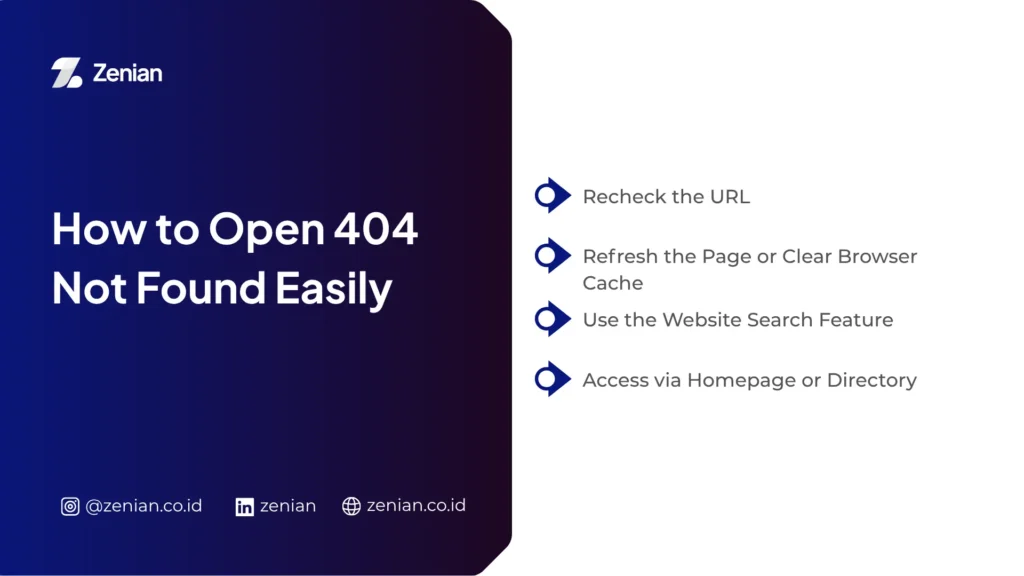
1. Recheck the URL
Make sure every character in the URL is correct:
- Verify spelling in the address bar
- Ensure no mistakes in letters, punctuation, or file extensions
- Example: typing
.htminstead of.html
This simple step often resolves the issue.
2. Refresh the Page or Clear Browser Cache
Sometimes the issue comes from the browser:
- Press F5 or click reload
- Clear cache and browsing history
- Use Incognito mode
- Restart the browser
This helps load the latest version of the page.
3. Use the Website Search Feature
The content may still exist:
- Use the website’s internal search
- Enter relevant keywords
- Alternatively, search via Google
4. Access via Homepage or Directory
If a specific URL fails:
- Remove part of the URL to access a higher directory
- Example: from
www.abc.com/x/y/ztowww.abc.com/x/y/ - Visit the homepage and navigate manually
- Try a different browser or device
How to Fix 404 Not Found on a Website
If many pages are missing, search engines may consider your website poorly maintained. Apply these solutions:
1. Use 301 Redirects
Redirect old URLs to relevant new pages using 301 redirects.
This ensures users still reach useful content.
2. Fix Broken Links
Regularly audit your website links:
- Identify invalid URLs
- Update or replace broken links
This improves user experience and reduces errors.
3. Update URL Structure Properly
Ensure URLs are consistent and well-structured:
- Check file names and extensions
- Fix syntax errors
- Ensure CMS platforms like WordPress are properly configured
4. Create a Custom 404 Page
Design a custom 404 page:
- Match your branding
- Provide navigation options
This reduces bounce rates and keeps users engaged.
5. Check Server Configuration and .htaccess
Review server settings:
- Fix errors in
.htaccess - Ensure DNS configuration is correct
Tips to Prevent 404 Errors on Your Website
Too many broken pages harm both UX and SEO. Apply these strategies:
Use Consistent URL Structure
Ensure all URLs follow a clear format:
- Avoid inconsistencies like
.htmvs.html - Use proper characters
Perform Regular Link Audits
- Check for broken links
- Fix typos
- Remove links to deleted pages
Optimize Internal Linking
- Ensure all internal links point correctly
- Use redirects when changing URLs
- Maintain valuable high-traffic pages
Example redirect:
RewriteRule ^old-page$ /new-page [R=301,L]
Use XML Sitemap
An XML sitemap helps search engines:
- Understand site structure
- Crawl pages faster
- Avoid missing important pages
Optimize Your Website to Be Error-Free with Professional SEO Services
Optimizing your website to eliminate 404 errors is crucial for maintaining a good user experience and improving SEO performance. For better results, you can use professional services like PT Zenian Digital Lab, which offers integrated digital marketing solutions.
Through SEO optimization, website development, and 360° digital marketing strategies, Zenian helps improve your website’s visibility and business performance sustainably. With the right support, your website will not only be error-free but also become a powerful digital asset for business growth.
Read Too: How to Create URL: A Complete Guide to Proper URL Structure